

The front desk sees who walked in.
Every swipe at the gate lands in the visit log as Granted or Denied, next to the member's plan. Staff find members by name, member ID or phone and add new ones with a photo taken at the desk.
- Gate visit log with Granted and Denied entries
- Member search by name, ID or phone
- New members with a photo from the desk camera
- Money owing shown on the home screen before the member reaches the till

Classes and personal training on one timetable.
Switch between the day, the week and the trainer roster. Book a PT session and Fitness App tells you when the trainer is already taken. Open a class with its studio, capacity and price, then add or remove people from its list.
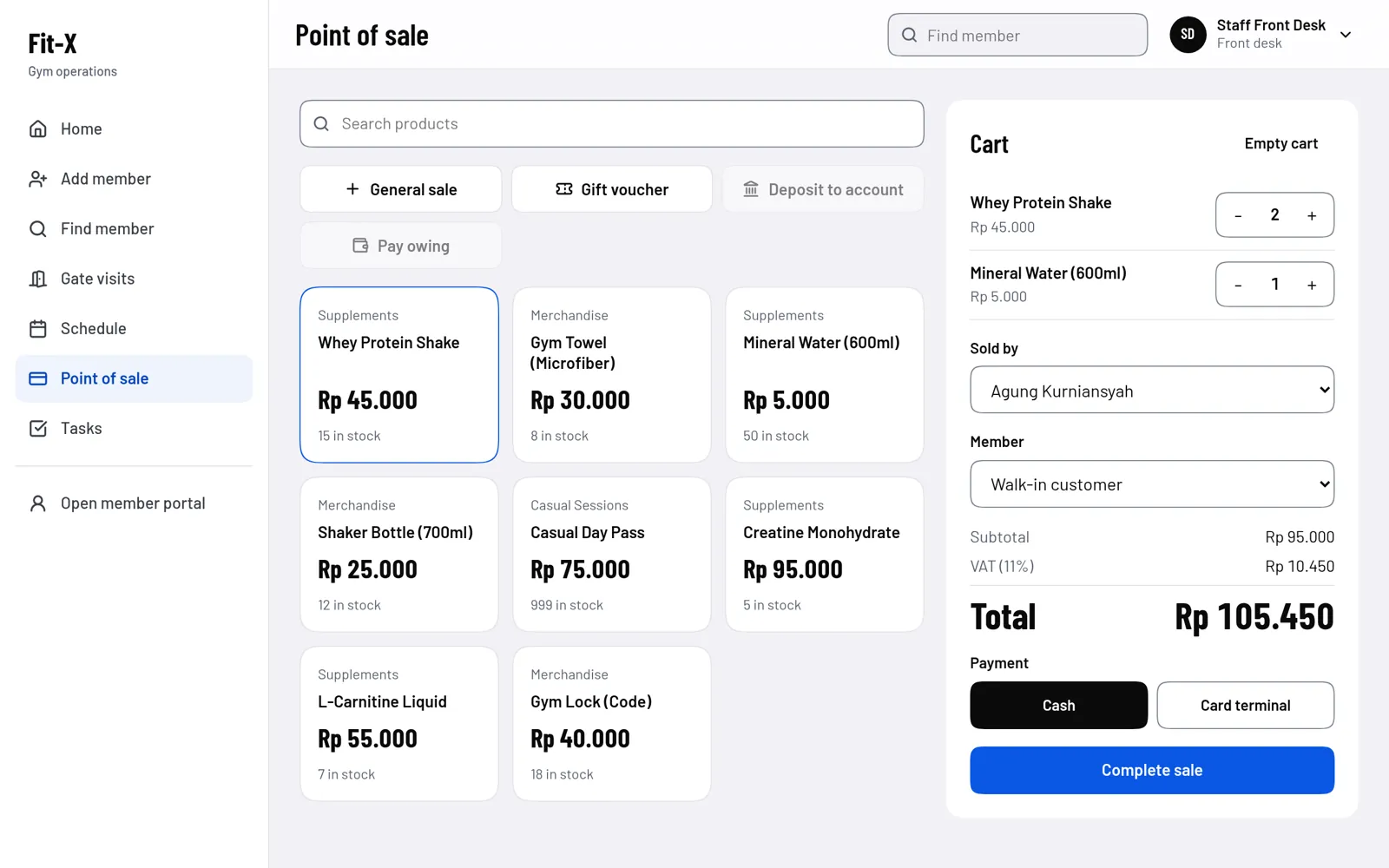
A till that works out the VAT.
Tap products to build the cart, choose cash or the card terminal, and Fitness App adds the 11% VAT and the total. General sales, gift vouchers, deposits and payments on money owing are one tap away, and every sale ends with a receipt you can print.
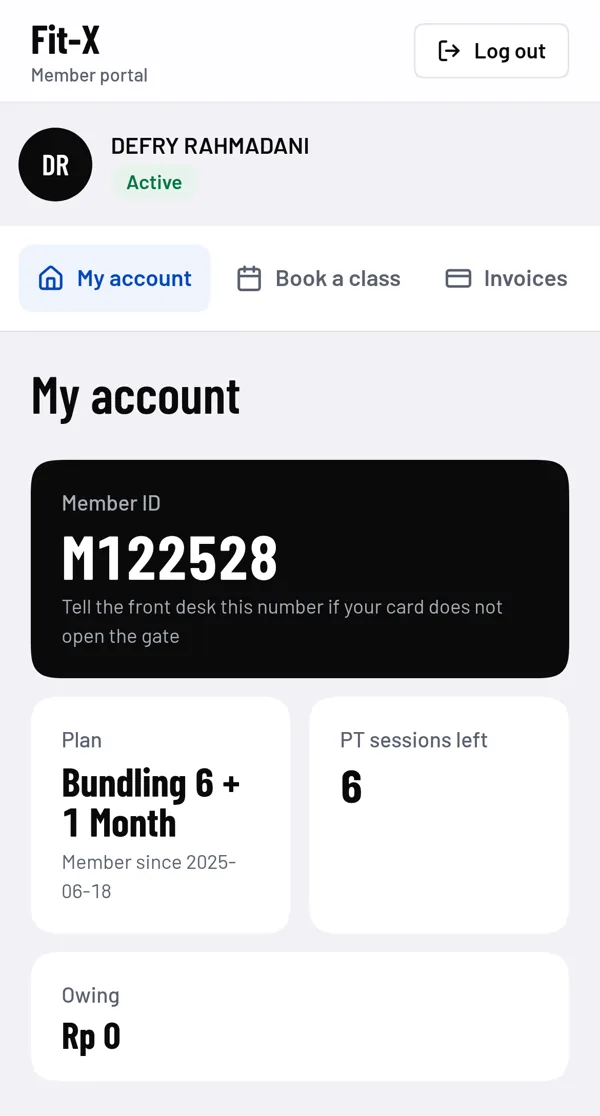
Members get a portal of their own.
Members sign in to see their plan, PT sessions left and anything they owe. They book a place in a class, look up their invoices, refer a friend and log their weight over time. Visitors get a check-in screen and a short form to leave their details.
Try it with a demo account.
Six roles share one password, asdf1234. Pick a role to open the sign-in page with its email filled in.